
Reels in.
Shorts out.
A Chrome side-panel extension that captures public Instagram Reels and uploads them to your YouTube channel as Shorts — one at a time, or a whole batch in the background.
Free · Chrome 116+ · Manifest V3 · No account needed
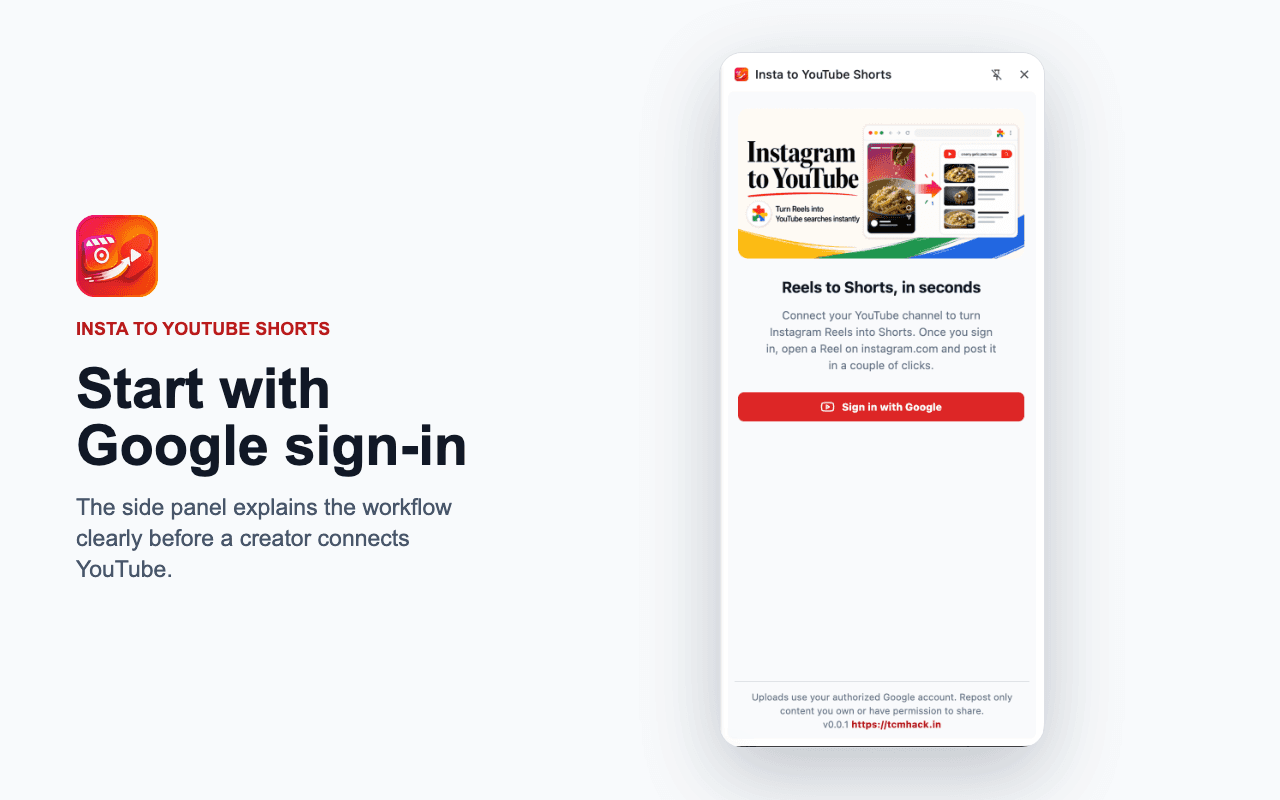
Reel to Short in three steps
No downloads, no re-uploads, no leaving your browser.
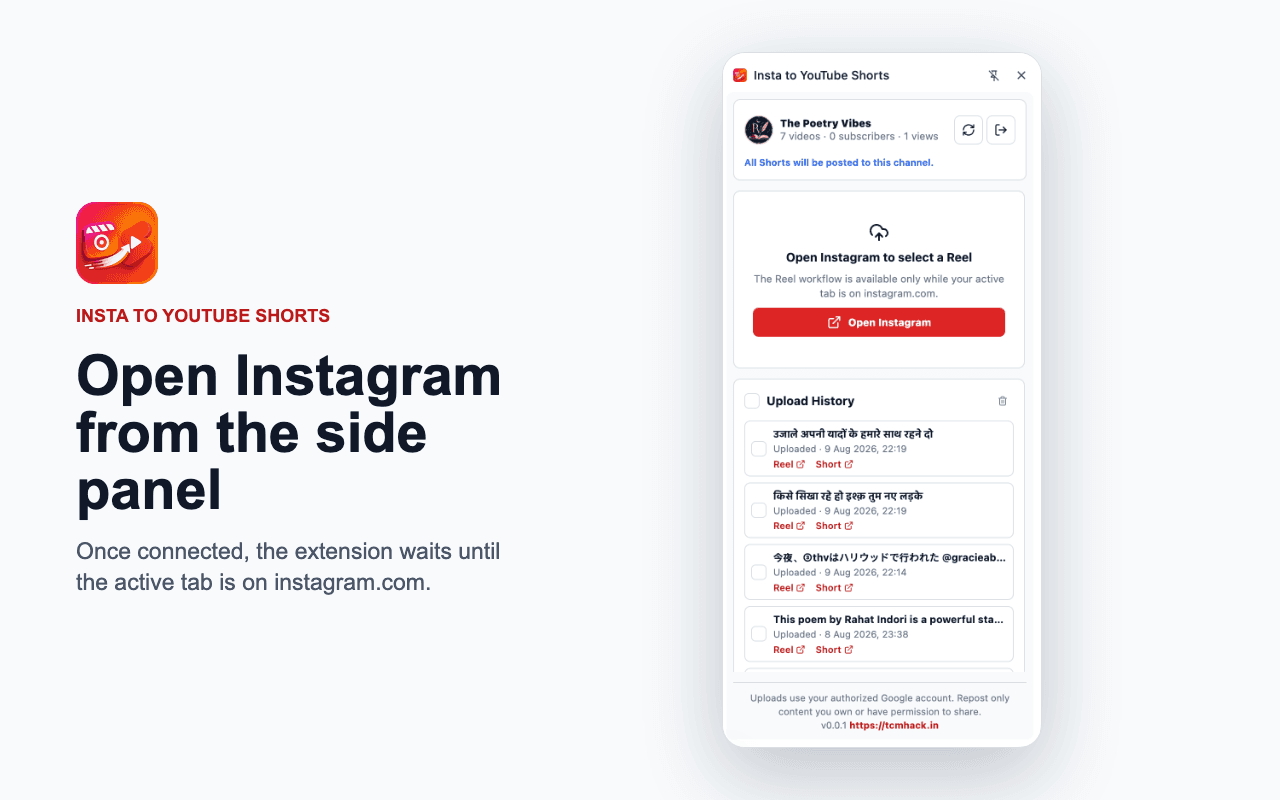
Open a Reel on Instagram
Browse Instagram as usual. Open the side panel — it rides along next to the page.
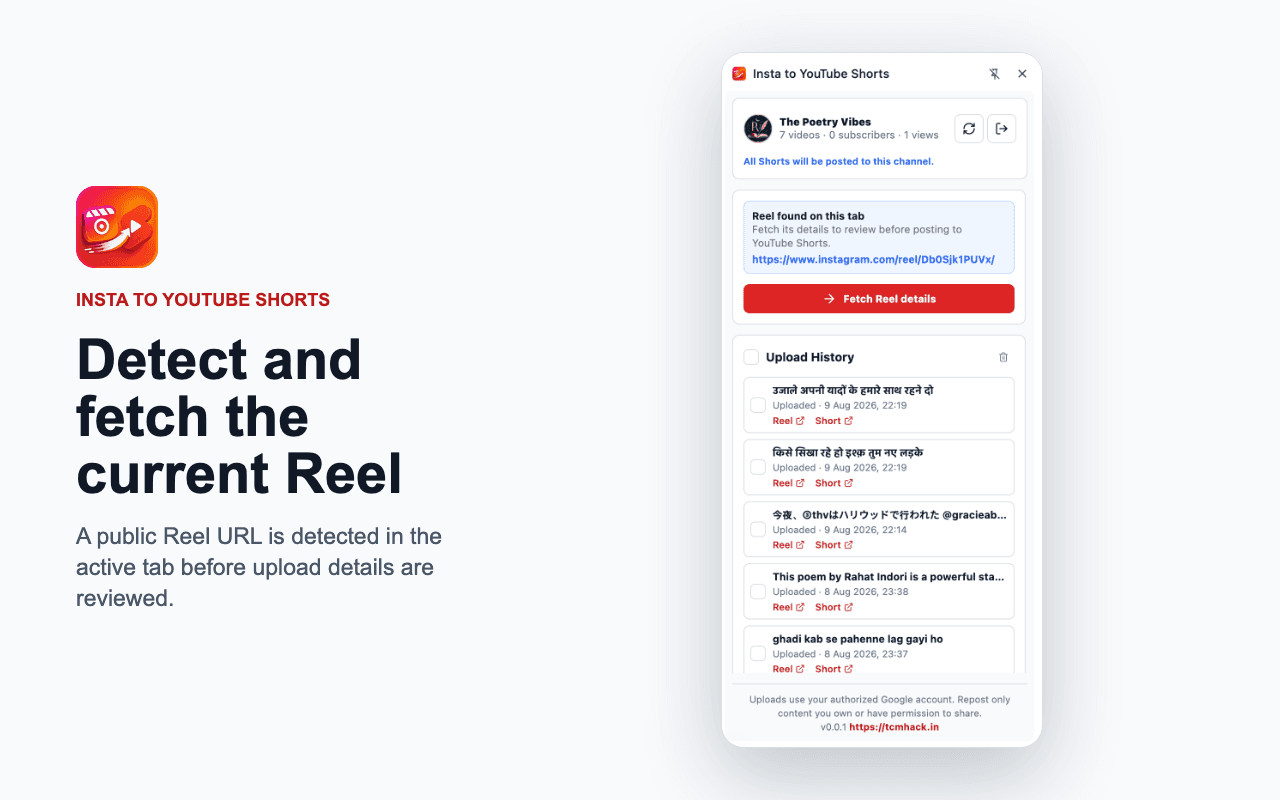
Fetch the Reel
The extension detects the active public Reel and pulls its media and details in a click.
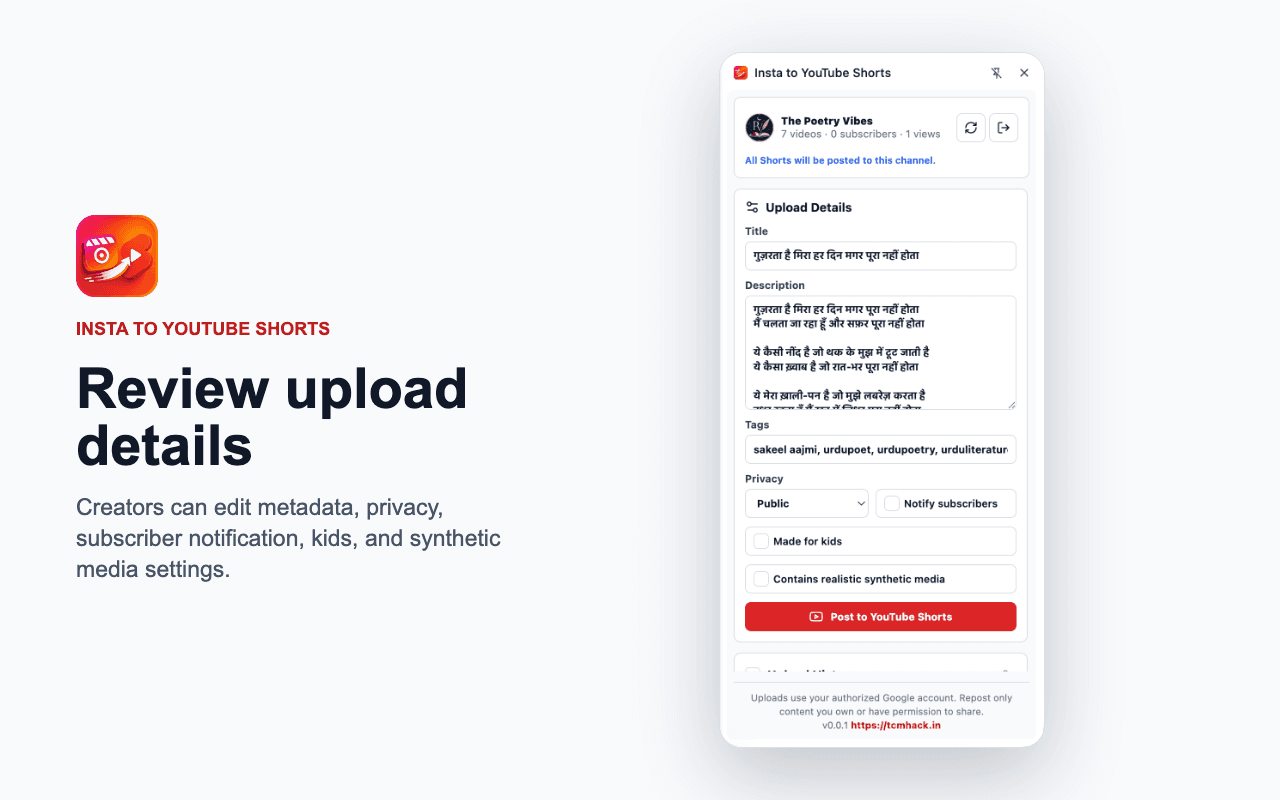
Review & post to Shorts
Edit the title, description, tags, visibility and settings, then upload to your channel.
Built for creators who move fast
Everything the repost-your-own-Reels workflow needs — and nothing it doesn't.
Background batch queue
Add several Reels, hit Apply, and they upload one at a time in the background — even with the panel closed. Fresh media is fetched at upload time, results arrive as notifications, and failed uploads retry automatically.
One-click YouTube sign-in
Connects a single channel through Google OAuth. Your channel, your tokens.
Full upload details
Title, description, tags, visibility, audience, notifications and synthetic-media flags.
Side-panel workflow
Opens alongside instagram.com so you never lose your place while browsing.
Auto-retry
Uploads that fail retry once on their own — and you can reupload manually.
Upload history
Tracks posted Reels locally to avoid duplicates, with links to each Short.
Start reposting in minutes
Add the extension, connect your channel, and turn your Reels into Shorts.
Use only for content you own or have permission to repost.